- Published on
CWL - EC2 Compromise
- Authors

- Name
- mfkrypt
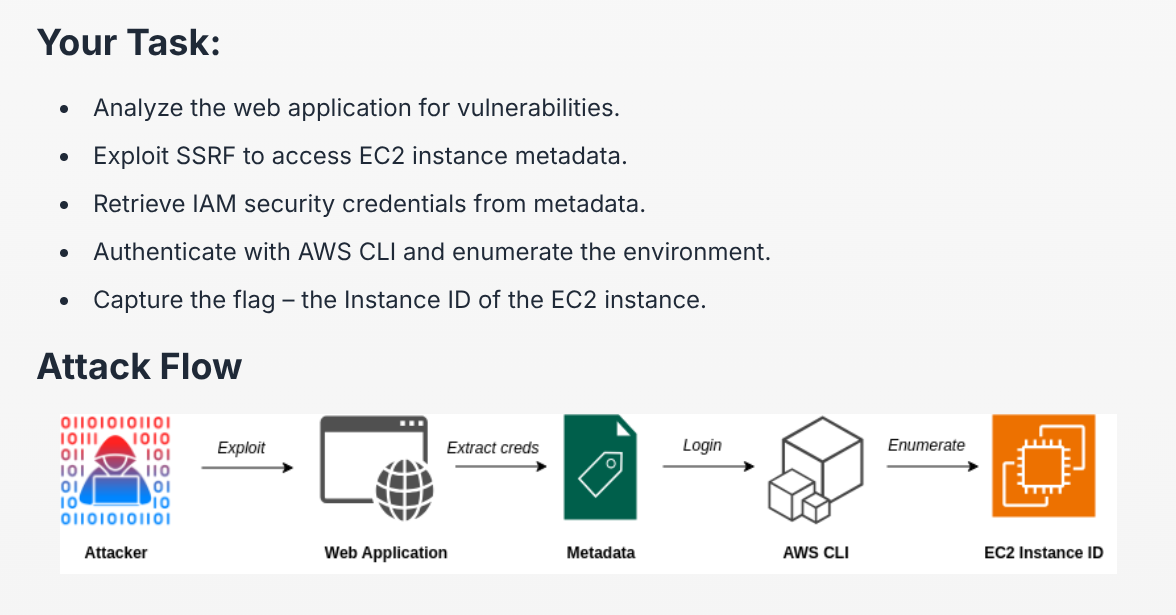
Table of Contents
Recon
We are met with a normal webpage, this challenge is pretty direct and straightforward. Therefore, fuzzing is unnecessary
One of the pages has a contact form, let us enter some data and observe the response in burp
Response looks normal, except the request that we sent. Looking closely, we can see that the field for "organization" is apparently given the parameter ip, which is great for testing SSRF
While most SSRF testing uses 127.0.0.1, we will test this with 169.254.169.254. Why this address you ask?
TIP
169.254.169.254 is a special IP address that is specifically used to allow virtual machines (VMs) or instances running in the cloud to access critical information about themselves (instance, metadata, a set of information related to an EC2 instance). Cloud services like AWS use this address.
Stealing IAM Credentials
To determine if the EC2 instance has an IAM role associated with it, we can make a request to http://169.254.169.254/latest/meta-data/iam/.
If there is a valid role we can steal, we can make a request to http://169.254.169.254/latest/meta-data/iam/security-credentials/.
This will return the name of the IAM role associated with the credentials, in our case the name is ec2-prod-role
Appending the role name to our previous query will reveal the available credentials
http://169.254.169.254/latest/meta-data/iam/security-credentials/ec2-prod-role
Using IAM Credentials
We will need to export these credentials as environment variables
export AWS_ACCESS_KEY_ID=XXXXX
export AWS_SECRET_ACCESS_KEY=XXXXX
export AWS_SESSION_TOKEN=XXXXX
After having done that we will use the aws cli tool to authenticate and make an API call to retrieve the Instance ID
aws sts get-caller-identity